Your best-performing ad is dying right now.
Not dramatically. Quietly.
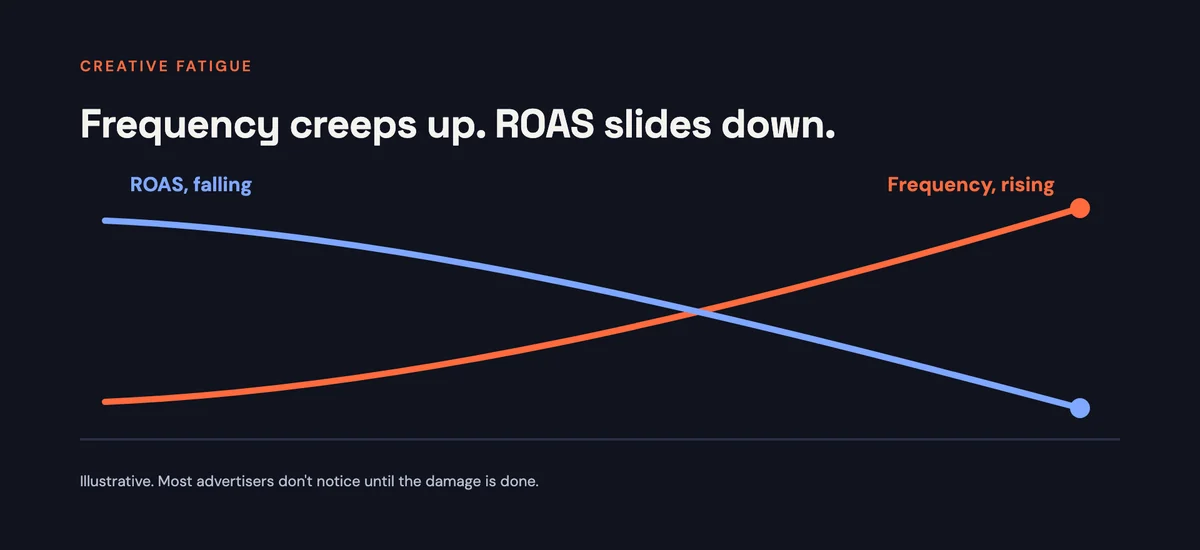
Frequency creeps up a little every day. ROAS slips a little every week. And by the time you spot it in the dashboard, you've already paid for weeks of tired impressions that were never going to convert.
Here's what most advertisers don't know yet.
Meta has built a tool that spots this for you. Then it tells you why it's happening. And then it builds the new creative to fix it.
It's called Ads Creative Studio.
Btw, if you're new here, I'm Ashik. I've spent $150K on Meta ads over the last few years, running Facebook and Instagram campaigns for eCommerce brands and lead-gen businesses. And this is one of the most useful updates I've seen land inside Ads Manager in a long time.
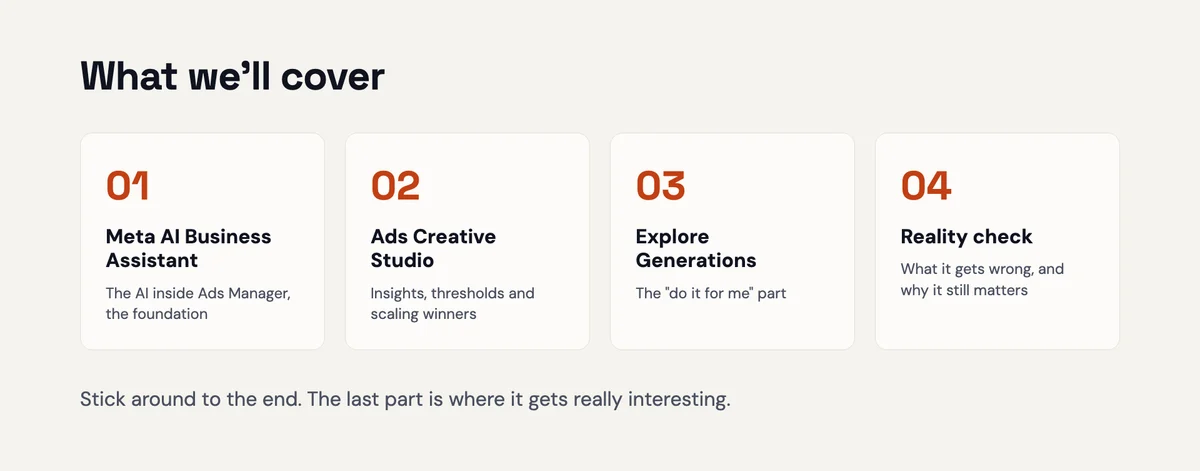
In this post, you'll learn:
- The AI assistant that Ads Creative Studio is built on (and why you should be using it already)
- The three parts of the Studio that actually move the needle
- How to generate new hooks and visual variations from ads that are already winning
- Where you still need to be the smartest person in the room
I've also added a quick exercise after each section so you can put this to work in your own account today.
And stick around for the last section. It changes how you should think about your creative team.
Quick note on availability: Meta announced its end-to-end AI creative tools at Cannes Lions in June 2026 and is rolling them out gradually. Ads Creative Studio is not available in Bangladesh yet, so if your ad account is based here you won't see it in the menu for now. The AI business assistant in the next section is already live here, and you can start with that today.
First, meet the AI assistant hiding in your ad account
Before we get into the Studio, you need to know what it's built on.
Meta has an AI business assistant sitting inside Ads Manager. Most advertisers have never clicked on it.
Look for the small purple-and-pink swirl icon. Click it, and you can ask questions about your account in plain English.
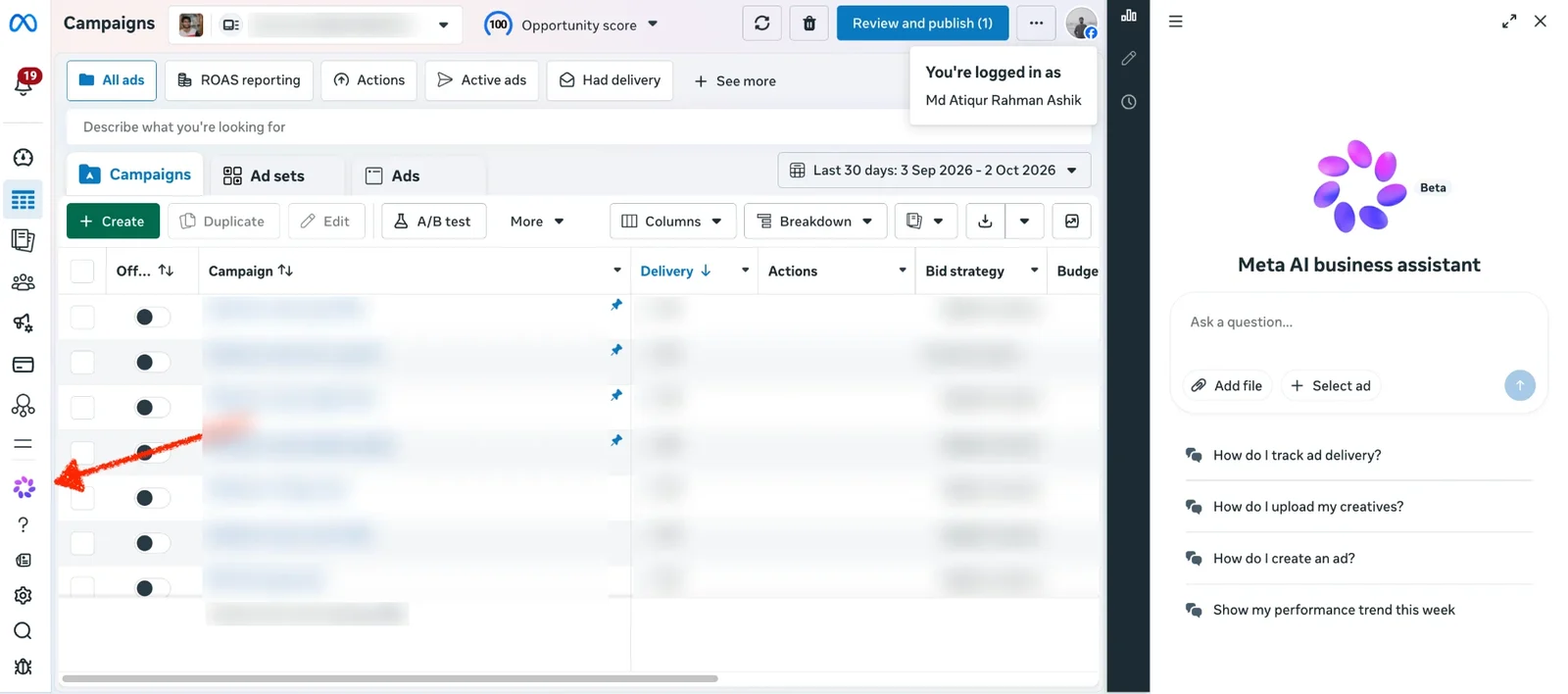
Something broad, like:
"How do I improve ROAS in this campaign?"
Or something specific, like:
"Find the best-performing hooks in this account."
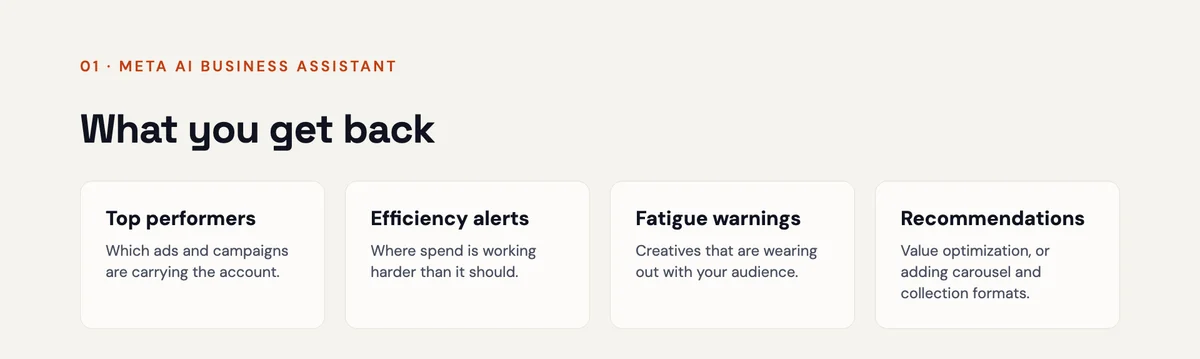
Give it a minute, and it comes back with things like:
- Top performers worth putting more budget behind
- Efficiency alerts where an ad set's ROAS has dropped sharply
- Creative fatigue warnings on ads that used to crush it but are now sliding
- Recommendations, like switching to value optimisation or testing carousel and collection formats
Is every recommendation right? Nope.
Which is why this next part matters.
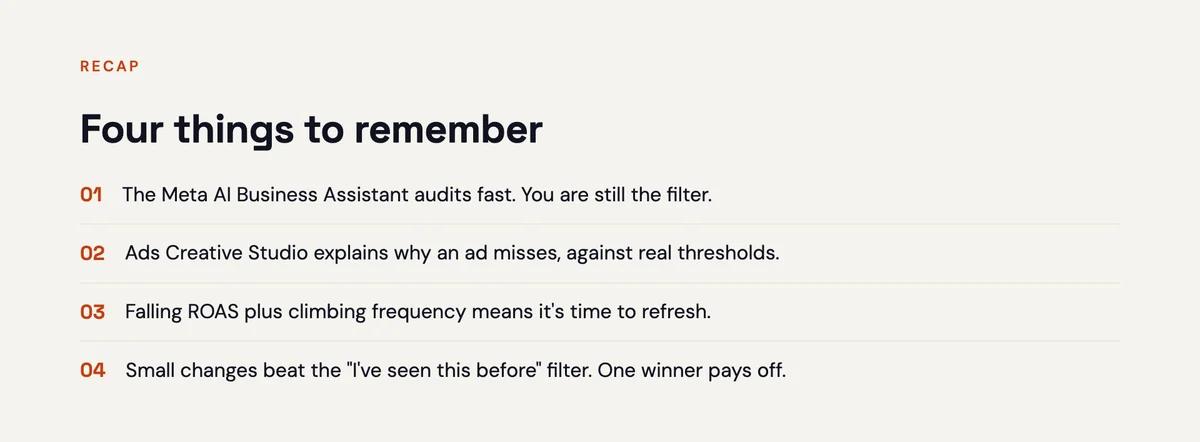
You are the filter.
AI can audit an account in a fraction of the time it takes you. It'll catch things you'd miss on a busy Monday. But it doesn't know that you tested carousels last quarter and they flopped. You do.
So read every recommendation like a sharp junior analyst wrote it. Keep the good ones. Bin the rest.
(If you're still getting comfortable with the fundamentals, start with my guide to the 6 things every beginner needs to know about Meta Ads. It'll make everything in this post easier to judge.)
Bonus tip: the assistant also handles account issues. Campaigns that won't publish. Payment errors that make no sense. Even some ad disapprovals. Meta says it can already resolve around 20% of these, so make it your first stop before you go hunting for a support ticket.
Try this
Open the assistant and ask it one specific question about your account. Before you read its answer, write down what you think the answer is.
Then compare. Where it agrees with you, you just saved time. Where it doesn't, you just found something worth investigating.
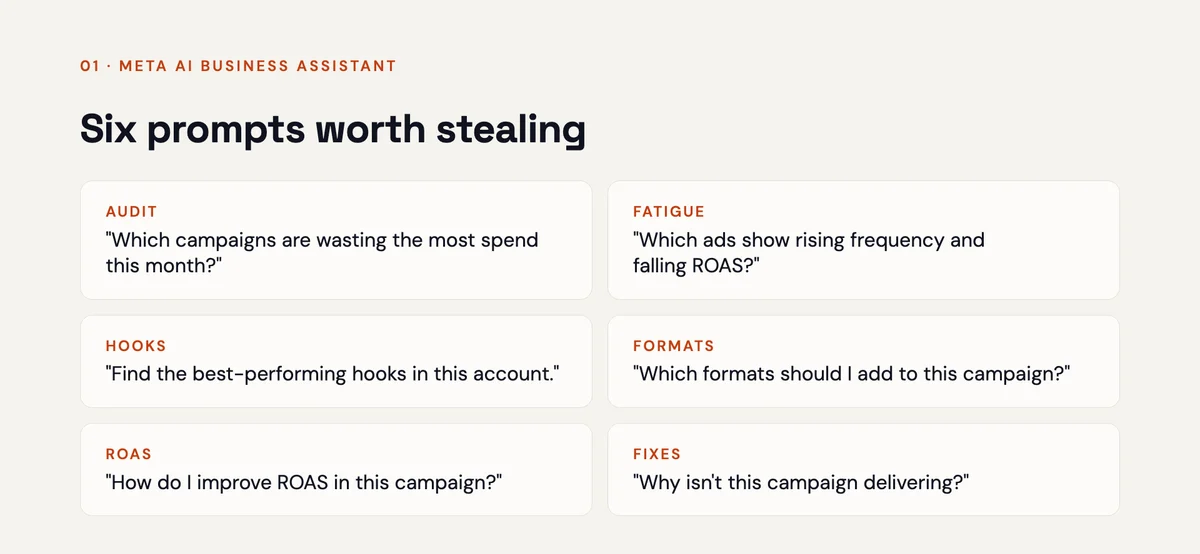
Not sure what to ask? Here are six prompts worth stealing:
But here's the thing.
The assistant is just the foundation.
Which brings us to what Meta built on top of it.
Ads Creative Studio: where to find it
In Ads Manager:
- Click the menu (the three lines)
- Go to All tools
- Under Advertise, click Ads Creative Studio
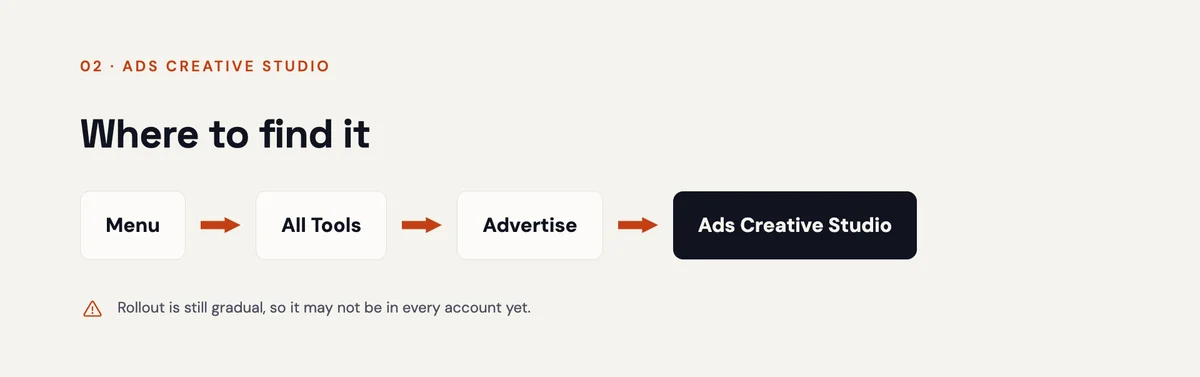
If it's not in your menu, your account hasn't been included in the rollout yet. That's the case for ad accounts in Bangladesh right now.
Inside, there are three areas I want to walk you through. Each one solves a problem that used to eat hours of my week.
#1: Improve Creatives (Meta tells you why your ad is flopping)
This is the part that made me sit up.
Most ad platforms tell you that an ad is underperforming. This one tells you why.
Here's the kind of insight it gives you (paraphrased from a real one):
Your minimalist design and clear discount highlight the product well. But the creative underperforms because it relies on a static flat-lay with no human connection and no trust signals. Top performers in your category show products in use, with clear quality guarantees.
That's not a vague "try better creative." That's a creative brief.
And here's why it's so useful: it isn't only looking at your data.
Ads Creative Studio compares your ads against top performers in your industry. So you're not guessing what works in your category. You're seeing what's already working for others.
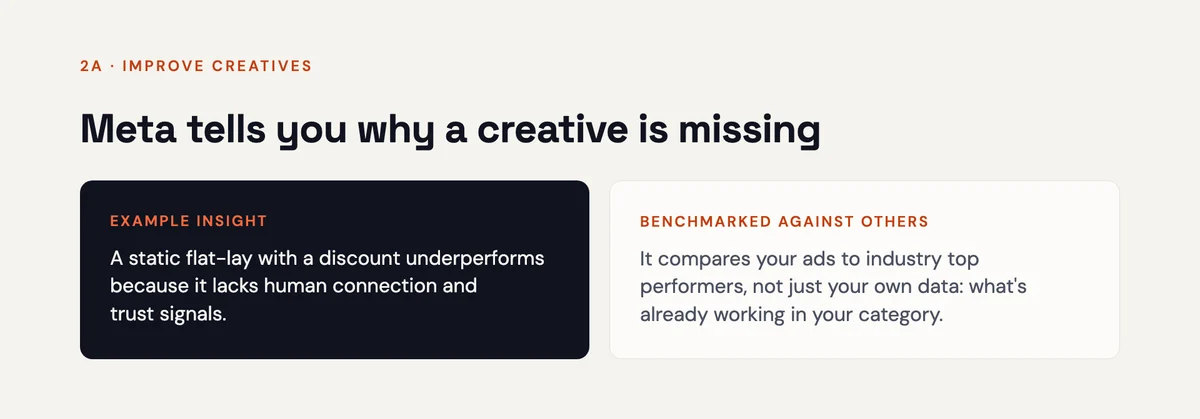
That's social proof, served up by the algorithm.
It then gives you:
- Ideas to fix the problem, usually a handful of creative styles that tend to win in your category (think styled studio shots, products in use, or text-led cards with trust badges)
- Generated examples of each style, made with Meta's AI
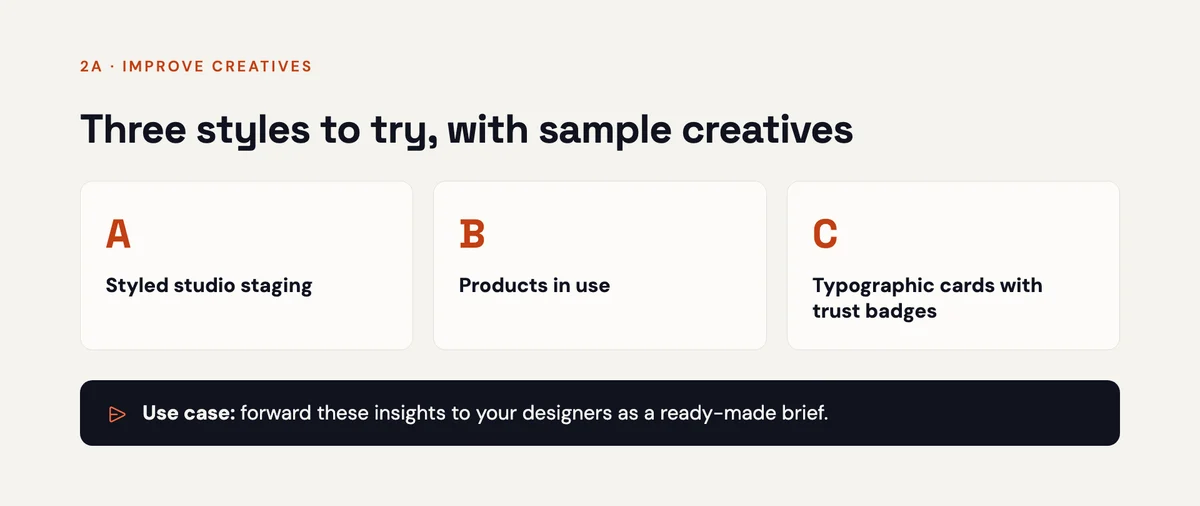
Some of the generated examples will be great. Some won't be. That's fine.
Even the weak ones are useful, because you can hand the whole insight to your designer or creative team and say:
"Meta says this style works in our category. Let's make three like this using our product shots."
If you run an agency, this is gold. It turns "the client wants better ads" into a specific, data-backed direction.
Try this
Every week a weak creative stays live is budget you don't get back.
So find your lowest-performing active ad. Open its insight in Ads Creative Studio, and turn it into a one-paragraph brief for your designer. Ship one new version this week.
#2: Minimum performance thresholds (finally, a real definition of "average")
You know those labels Meta gives your ads? "Above average." "Average." "Below average."
Above average compared to what?
Ads Creative Studio finally answers that.
It sets minimum performance thresholds for your account, based on your own data and data from competitors in your space. You'll see specific numbers for things like:
- Click-through rate, separately for image and video
- Cost per result, separately for image and video
And if a threshold looks unrealistic for your business, you can adjust it with a slider or reset it.
Why does this matter?
Because you can't hit a target you can't see. Now you know exactly what "good" looks like for your account, what you're achieving today, and how big the gap is.
Try this
Write down your current thresholds for CTR and cost per result. Then sort your active ads into two columns: above the line and below it.
The "below" column is your to-do list.
#3: Scale Top Creatives (find your winners before they burn out)
This section shows your best-performing creatives, and you can slice it however you want:
- By product, objective or audience
- By format (image or video)
- By time frame
- By success metric (purchase ROAS, cost per result and more)
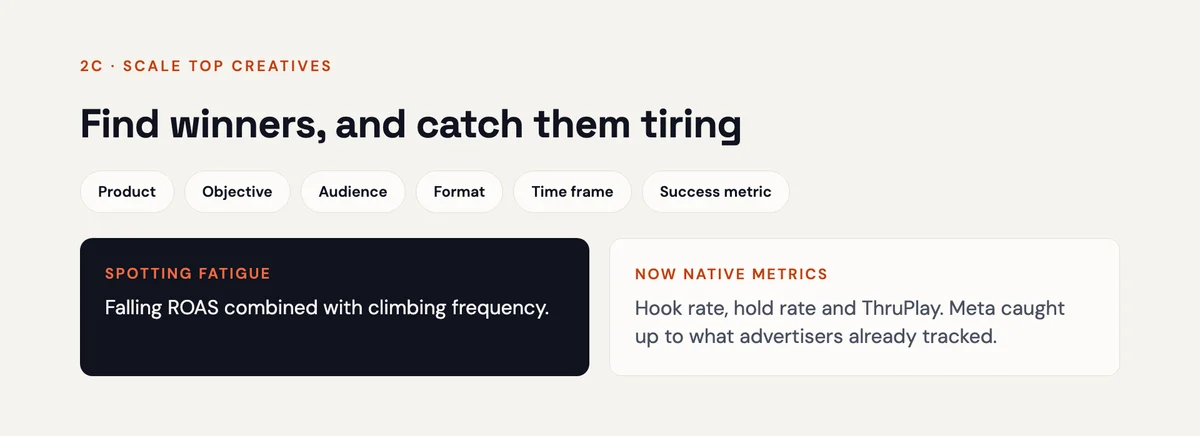
For each creative, you'll see spend, return on ad spend, cost per result, how those are trending, and frequency.
Pay close attention to that last one.
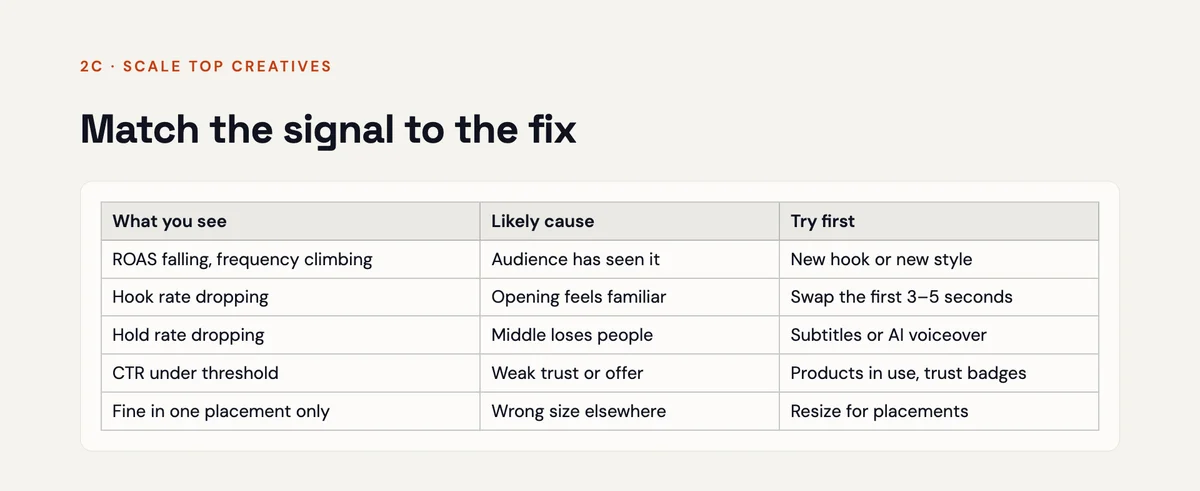
When ROAS is falling and frequency is climbing, you're almost certainly looking at creative fatigue. The same people are seeing the same ad again and again, and they've stopped caring.
For video ads, you'll also see hook rate, hold rate and ThruPlays. Experienced advertisers have been building these as custom metrics for years. It's good to see Meta make them native.
Now, here's the best part.
Under each top creative, there's a button: Explore generations.
Which brings us to the feature that saves the most time of all.
(Want to see what happens when you keep feeding winners instead of starting from scratch? Here's a full-funnel case study where a women's fashion brand hit 12x return on ad spend.)
#4: Explore Generations (new hooks, new visuals, zero reshoots)
If an ad is working, you don't throw it away when it starts to tire.
You iterate on it.
Keep the parts that work. Change just enough that people stop recognising it.
Because when someone thinks "I've seen this already," their thumb keeps moving. They won't give it a second of attention. Change the opening, the voice or the look, and suddenly it feels new, even if the core message is the same.
Explore Generations does that for you.
For video ads
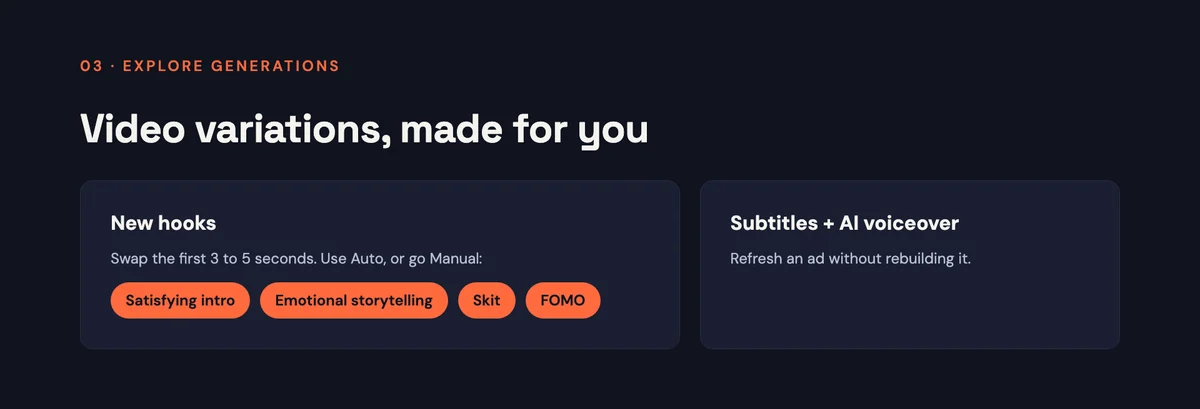
Try new video hooks. Meta swaps out the first 3 to 5 seconds with a different opener.
You can leave it on Auto, or go Manual and pick a hook style:
- Satisfying intro
- Emotional storytelling
- Skit
- Fear of missing out
- …and more
Click generate, and Meta builds the new version. It can take up to 15 minutes.
Quick myth-buster while we're here: you may have heard that Meta penalises advertisers who make lots of hook variations of the same ad.
Meta is literally recommending it inside its own tool. I think we can retire that one.
You can also:
- Add subtitles
- Generate a voiceover, and choose the type of voice
That's useful when the visuals are working but you want the ad to sound fresh.
For image ads
Meta can do even more with images, because they're easier for AI to rework. Your options include:
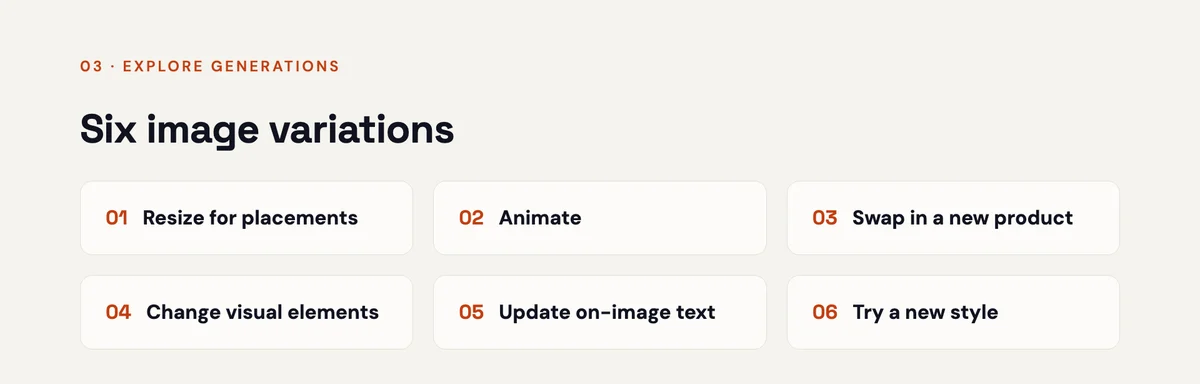
- Resize to match placements, so one image fits Feed, Stories and Reels
- Animate, turning a static image into a moving one, with text and elements that arrive at different times to catch the eye
- Swap in a new product, keeping the scene, model and styling but replacing the product
- Change visual elements, like the background or objects, while keeping your text and core idea
- Update existing text, refreshing the words on the creative without sending it back to a designer
- Try a new style, a fresh visual and copy approach to reach new audiences
That product swap is a big deal for eCommerce.
If you paid for a model or a studio shoot to get one winning image, you can now reuse that whole scene across other products. For catalogue-heavy stores (think of a watersports brand selling across four markets), that's a lot of shoots you don't have to book.
Is it perfect? No. Some generations will be hit and miss.
But do the maths.
If you hate 19 out of 20 generated images, that one winner is still a brand-new creative you didn't have to shoot, edit or pay a designer for.
Try this
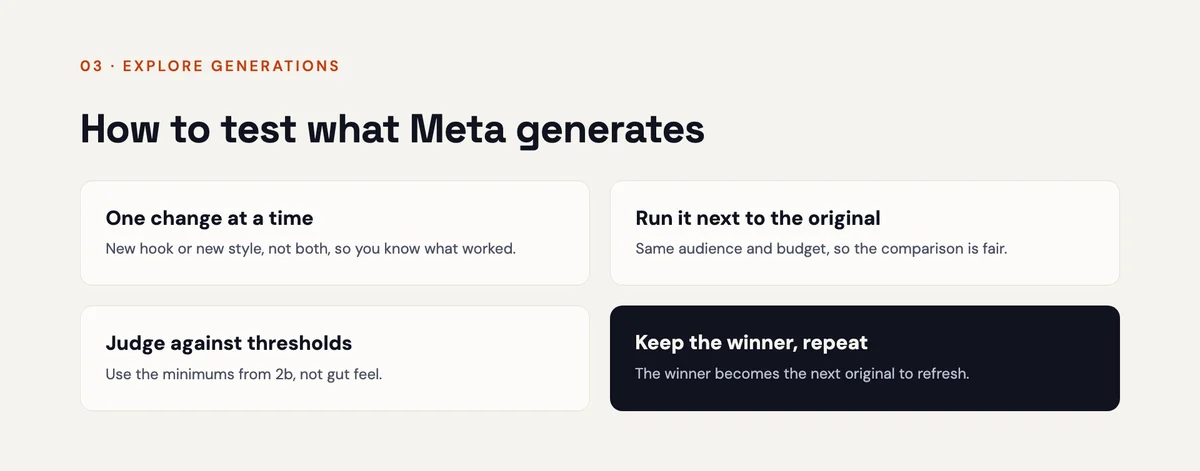
Pick your best-performing image ad. Generate one version in each category: animate, change visual elements, update text and new style.
Keep the best one. Launch it next to the original and let the data decide.
The reality check
Let's be honest about what this is and isn't.
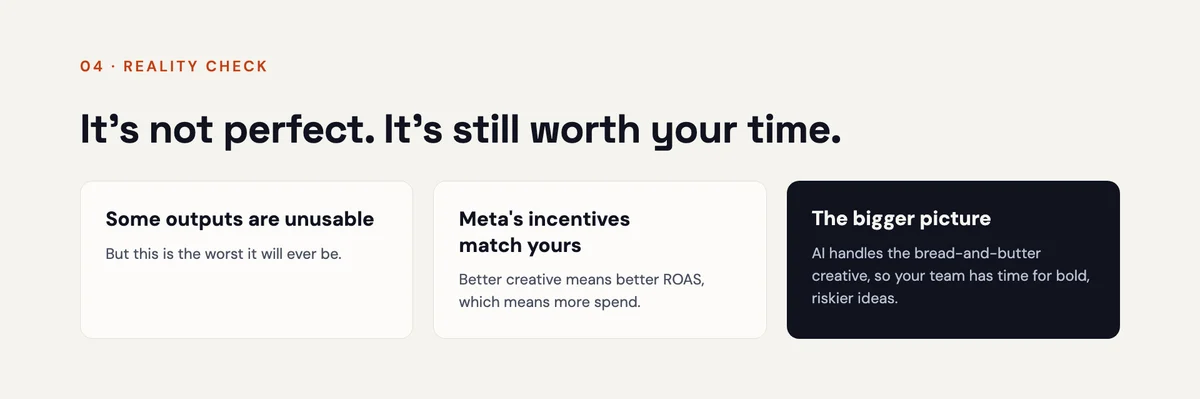
It's not a replacement for judgment. Some recommendations will be wrong for your business. Some generated creative will be unusable. You still need to know what matters and what doesn't.
It's the worst it'll ever be. Like every AI tool, it's only going to get better from here.
Meta's incentives line up with yours here. Meta wants you to get better ROAS, because advertisers who see better results spend more. That isn't always true across every Meta feature, but when it comes to better creative, you're on the same team.
And here's the shift I'd encourage you to make.
Let AI handle the bread-and-butter creative: resizes, refreshes, hook swaps and text updates. That frees your creative team for the bold, risky, genuinely original ideas that no tool can come up with.
That's the same thinking behind the AI automation work I do with clients. Automate the repetitive work so your people can do the work that actually needs a human. And if you want your in-house team trained on workflows like this, that's exactly what my digital marketing consultancy sessions are for.
Your next step
If you have Ads Creative Studio in your account, go play with it today. Start with your best ad and your worst ad. You'll learn something from both.
If you're in Bangladesh and don't have it yet, start with the AI business assistant and get your creative testing in order. You'll be ready the day the Studio shows up in your menu.
And if you'd rather have a second set of eyes on your account first, I'll take a look for free.
Send me your website, and I'll show you where your budget is leaking and the exact moves to fix it. No pitch, no obligation.
Get your free account review →
Quick one before you go: do you already have Ads Creative Studio in your account? Drop me a note and let me know. I'm curious how far the rollout has reached.
Until next time,
Ashik
FAQ
What is Meta Ads Creative Studio?
Ads Creative Studio is an AI-powered area inside Meta Ads Manager. It analyses your ad creative, explains why some ads underperform, benchmarks you against top performers in your industry and generates new image and video variations from your existing ads.
How do I access Ads Creative Studio?
In Ads Manager, open the menu, go to All tools, and find Ads Creative Studio under Advertise. Meta is rolling it out gradually, so it may not be in every account yet.
Is Ads Creative Studio available in Bangladesh?
Not yet. Ad accounts in Bangladesh don't have Ads Creative Studio in the All tools menu at the moment. The Meta AI business assistant is available here, so you can already use it to audit campaigns and spot creative fatigue.
Can Ads Creative Studio make new video hooks?
Yes. For video ads, it can replace the first 3 to 5 seconds with a new opener. You can let Meta choose automatically or pick a hook style, such as emotional storytelling, a skit or fear of missing out.
Does Meta penalise you for making hook variations of the same ad?
There's no sign of that. Meta recommends new hooks as a way to scale top-performing creative inside Ads Creative Studio itself.
Should I use every AI-generated creative Meta suggests?
No. Treat the generations as a starting point. Keep the ones that fit your brand and test them against your original. Even if only a small share are usable, each winner is creative you didn't have to produce from scratch.

About the author
Md Atiqur Rahman Ashik
Certified Google, Meta Ads and local SEO specialist with 7+ years in digital marketing. I help businesses turn ad spend and search traffic into qualified leads.
More about me →