
Free tools · No sign-up needed
Do you know what each customer really costs you?
Most businesses running Meta or Google Ads can't answer that in under a minute. With these spreadsheets you can. They're the same ones I use with clients: make a copy, add your numbers, done.
What guessing is costing you.
Ads don't fail loudly. They leak. Without a few numbers in front of you, these are the losses that go unnoticed.
Money spent on ads that never pay back
Without a break-even number, a losing campaign can look fine for months.
Winning campaigns switched off too early
Judge on gut feel and you cut the ad that was quietly bringing in your best customers.
A loss you only see at month end
By the time the bank balance tells you, the money is already gone.
Three free calculators. No sign-up.
Each one answers one question. Click, make a copy in Google Sheets and it's yours to keep.
 01
01Ads Cost Calculator: Cost per Acquisition
What daily budget do I need?
Enter your sales target and cost per acquisition. Get the daily budget for Meta or Google Ads that can actually hit it.
 02
02Ads Cost Calculator: ROAS
Are my ads making money?
See what every taka or dollar of ad spend brings back, and the break-even ROAS below which a campaign loses money.
 03
03Monthly Profit and Loss Statement
Did I make a profit this month?
Revenue, costs and profit month by month, so you know which months made money, and why.
Next step · Free
Know your ad numbers? Now track every taka.
The Income & Expense Tracker. The calculators tell you what your ads should do. This tells you what your money actually did.
- All your income and expenses in one sheet
- Monthly and yearly totals worked out for you
- Spot where the money goes before it becomes a problem
- Works in Google Sheets, on your phone or computer

Get the tracker free
Tell me where to send tips, and the link opens right here.
Built from 7+ years of running ad budgets.
These sheets came out of real client work on Google Ads, Meta Ads and SEO. Here's what some of those clients say.
“Atiqur has been a tremendous partner in the expansion of our digital marketing efforts at Good Wave. Growing from a small retail shop, we are now building out our second market in Australia and onward towards the UK & Europe. I value his skill, work ethic, and communication.”
“Incredibly creative! He's great. Does quality work and explains the details so you understand what he did. And he works so fast he had my head spinning.”
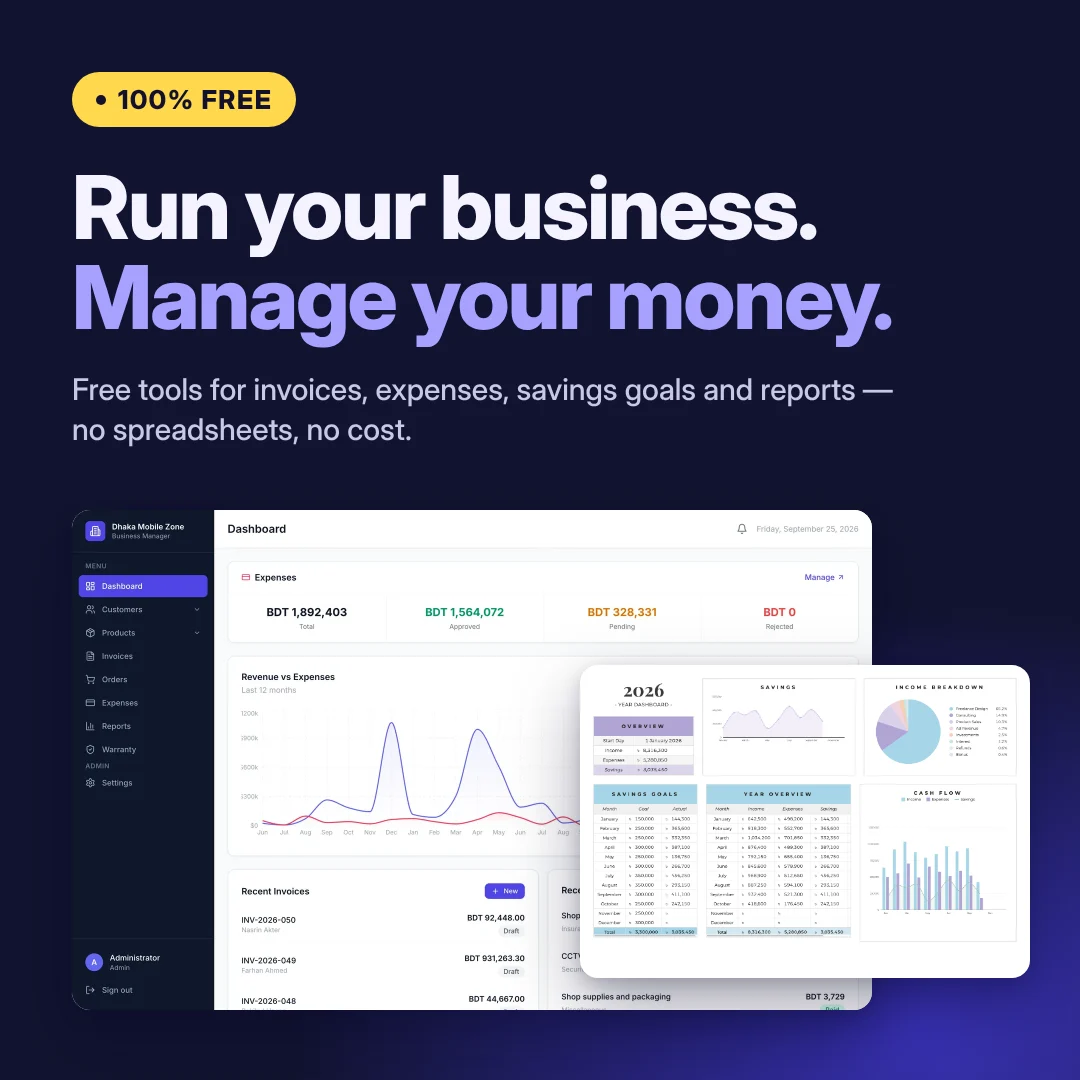
Outgrowing spreadsheets?
Run the whole business in one place with BMS.
When invoices, stock, payments and staff all live in separate sheets, things slip. BMS brings them together and works out your profit and loss for you, every day.
Questions.
Are these tools really free?
Yes. The three calculators need no sign-up at all. The income and expense tracker only asks for your name, email and phone number.
What do I need to use them?
A free Google account. Each tool opens as a Google Sheet; choose Make a copy and it saves to your own Google Drive, so your numbers stay private.
Will you spam me?
No. You get the occasional practical tip on ads and running your numbers, and you can unsubscribe any time. Your details are never shared or sold.
Can I use them for my clients?
Yes. Make as many copies as you like for your own business or your clients'.