Open Meta Ads Manager for the first time and it's easy to feel lost. Campaigns, ad sets, ads, audiences, placements, budgets, and a dashboard that seems to have a button for everything. Most beginners react in one of two ways: they get overwhelmed and never launch anything, or they start clicking around and spend $100 or more before they understand what any of it means.
The good news is that beneath all those settings, Meta Ads runs on a small number of core ideas. Once you understand them, the platform stops feeling random and starts feeling logical. This guide walks through those ideas in plain language, with no assumed knowledge.
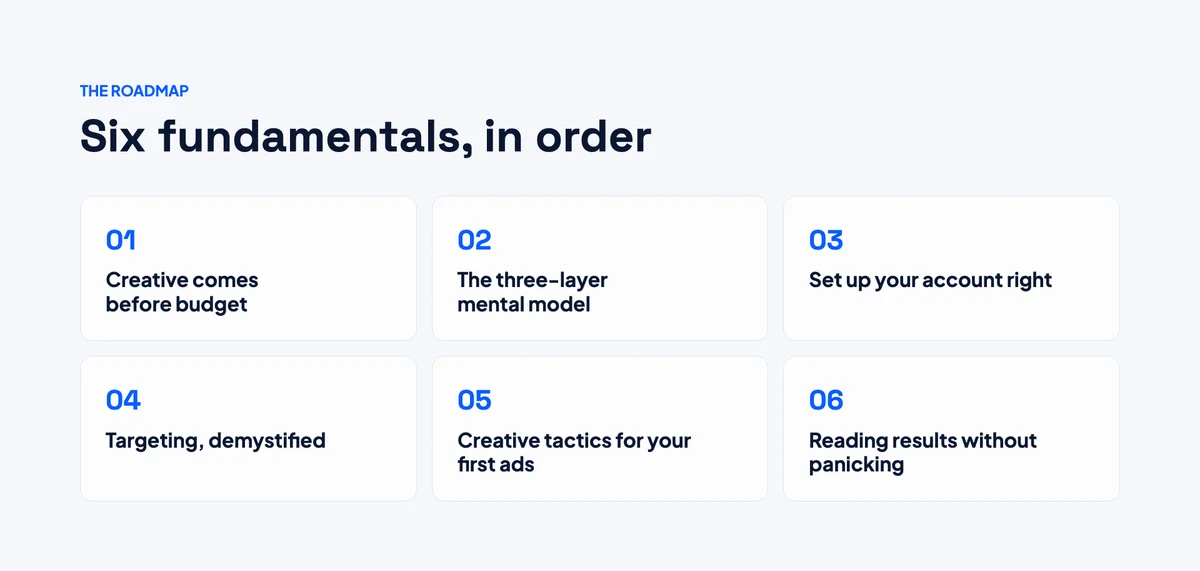
1. Creative Comes Before Budget
A bigger budget can help you win on Meta, but it can't rescue a weak ad. You're competing for attention in a feed full of content, so the quality of your ad matters more than the size of your spend. Put a large budget behind a poor ad and you'll simply lose money faster. Put a small budget behind a genuinely effective ad and it can perform remarkably well.
So before you spend anything, make sure your ads are built on solid creative fundamentals.
Static ads: four essentials
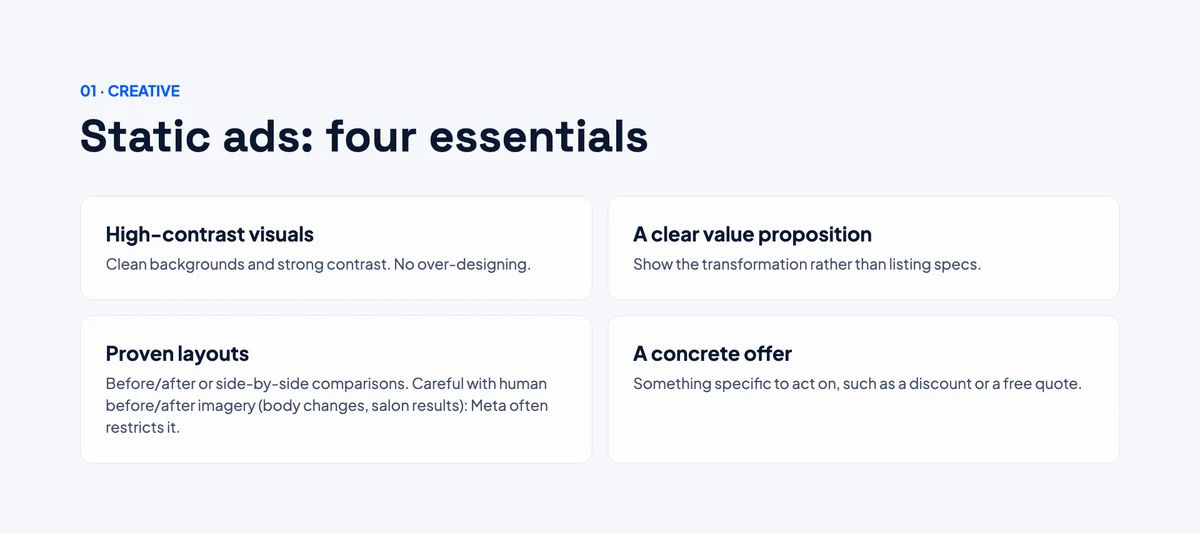
High-contrast visuals. Keep the background clean and resist the urge to overdesign. A simple, bold image stands out in a busy feed far better than a cluttered one.
A clear value proposition. Don't just list product features or specs. Show the transformation: how someone's life, routine, or results improve after buying from you. People buy outcomes, not spec sheets.
Proven layouts. Before-and-after images and side-by-side comparisons make the benefit obvious at a glance. One caution: Meta often restricts before-and-after imagery involving people, such as body transformations or even salon results. Showing the product itself, or the desired outcome, in its best light is usually the safer route.
An offer. This is the most important element. Give people a reason to act now, whether that's a percentage off, free shipping, or a free quote.
Video ads: same principles, plus a few extras
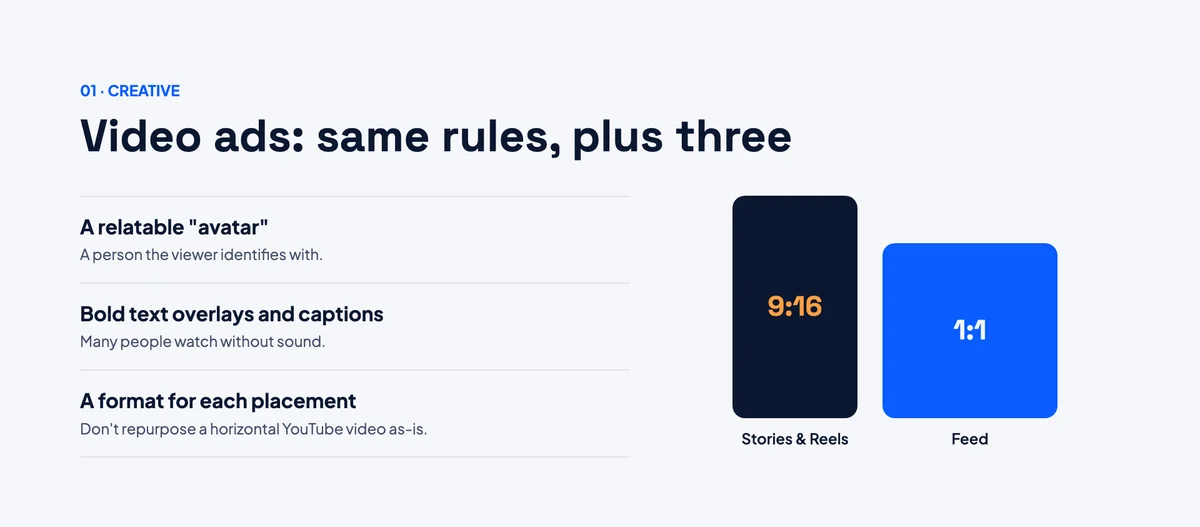
Video ads follow everything above, with some additional considerations.
Feature a relatable person. Audiences respond well to videos with someone they can identify with. Seeing a person like themselves reassures viewers that the offer is relevant and valuable to them.
Use bold text overlays and captions. A large share of people watch ads with the sound off. If your message depends on audio alone, most viewers will miss it.
Format for each placement. Create a vertical 9:16 version for Stories and Reels, and a square (1:1) or 4:5 version for the Feed. This maximizes your screen space and gives Meta the flexibility to show your ad wherever it performs best. Avoid uploading a horizontal video made for YouTube and running it unchanged as a Meta ad.
Ad copy: hook, structure, and a specific next step
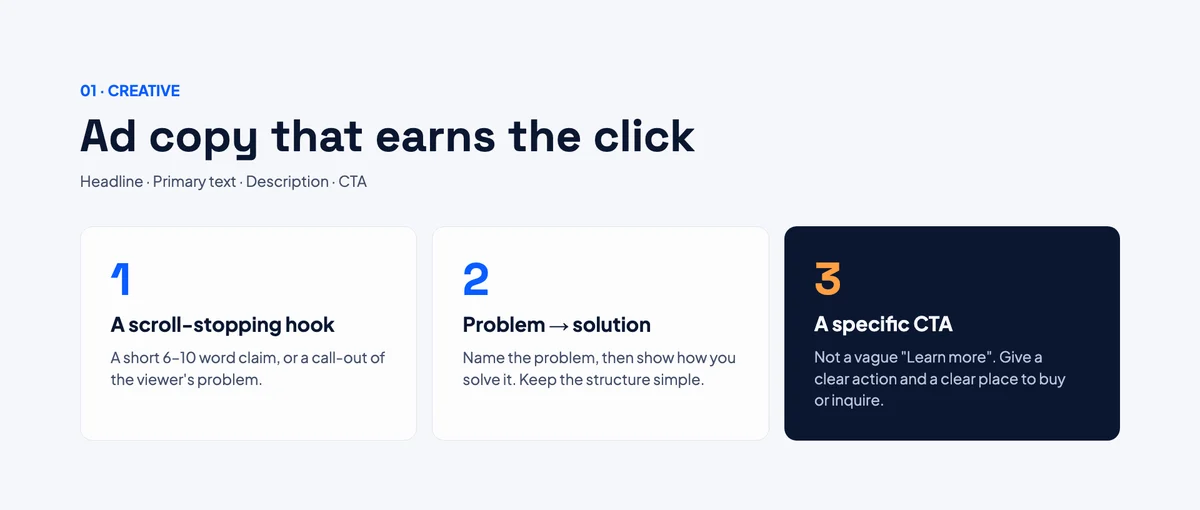
Your ad copy includes the headline, primary text, description, and call to action. Get these right:
- A scroll-stopping hook. Open with a short, punchy claim (roughly six to ten words) or call out a problem your audience recognizes.
- A problem → solution structure. Name the problem, show why it matters, then present your product as the answer. It's simple and it works.
- A specific call to action. Vague phrases like "Learn more" leave people unsure what to do. Tell them exactly what the next step is, and make it obvious where they can go to buy, book, or inquire.
These points sound obvious, yet they're some of the most common mistakes in beginner ad accounts. Getting them right before you spend a single dollar is the cheapest improvement you'll ever make.
2. Understand the Three-Layer Structure
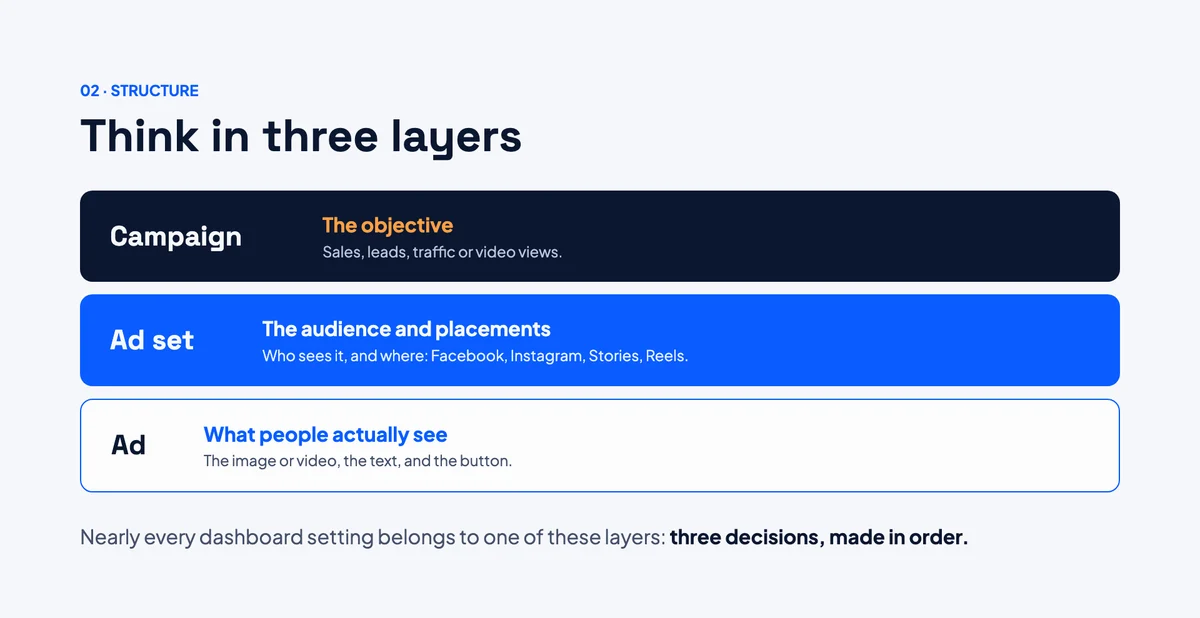
Before you touch any settings, you need one mental model. It will save you hours of confusion, because everything in Ads Manager sits on top of it.
Meta Ads is built in three layers:
| Layer | What it controls | Example decisions |
|---|---|---|
| Campaign | Your objective | Sales, leads, website traffic, video views |
| Ad set | Who sees your ad and where | Audience, location, age, placements like Facebook Feed, Instagram Stories, Reels |
| Ad | What people actually see | The image or video, the text, the button |
In short: the campaign sets the goal, the ad set decides the audience and placement, and the ad is the creative.
Almost every option in the dashboard belongs to one of these three layers. Once that clicks, Ads Manager stops looking like hundreds of random buttons and starts looking like three simple decisions made in order.
3. Set Up Your Account Correctly From Day One
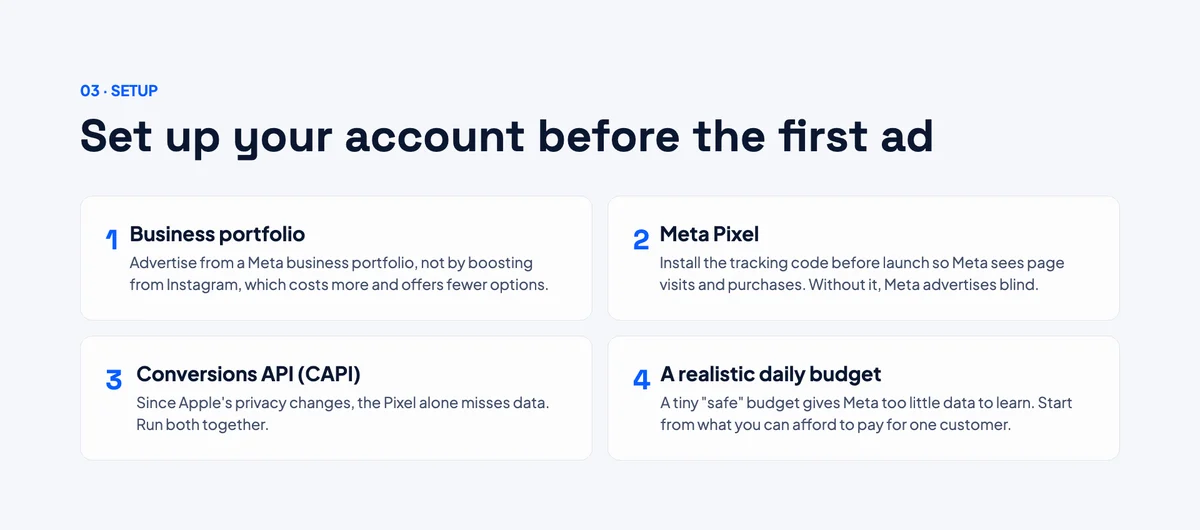
A few setup steps are easy to skip when you're eager to get an ad live, but they're expensive to fix later once you're already spending. Handle these first.
Use a Meta Business Portfolio
Boosting posts directly from your Instagram profile feels quick and convenient, but it gives you far fewer options and, in many advertisers' experience, worse value for your money. Setting up a proper business portfolio unlocks the full range of objectives, targeting, and reporting tools.
Install the Meta Pixel
The Meta Pixel is a small snippet of tracking code you add to your website. It tells Meta when visitors take actions, such as viewing a page, adding to cart, or completing a purchase.
Without the Pixel, Meta is essentially advertising blind. It can see who clicks your ad, but it has no idea whether those people do anything useful once they reach your site. Install it before you launch your first ad.
Add the Conversions API (CAPI)
The Pixel alone used to be enough. Since Apple introduced its privacy changes, however, a significant portion of conversion data now goes untracked by browser-based tools. The Conversions API sends conversion data directly from your server to Meta, filling in many of those gaps.
Use the Pixel and the Conversions API together for the most complete tracking. Better data means better decisions for you, and better optimization by Meta's algorithm.
Choose a realistic starting budget
This is one of the most common beginner mistakes. People set a tiny budget hoping to "test safely," but a budget that's too small doesn't protect you. It just means Meta doesn't get enough activity to learn who responds to your ad, so your results are unreliable either way.
To find a sensible starting point, work out what you can afford to pay to acquire one customer, and build your daily budget around that figure. My free daily budget and CPA calculator does the maths for you: enter your sales target and cost per acquisition, and it gives you the daily budget that can actually hit it.
Get these basics in place before launch and you'll avoid the two most common reasons new ad accounts quietly waste money from the start: poor tracking and underfunded learning.
4. Targeting, Demystified
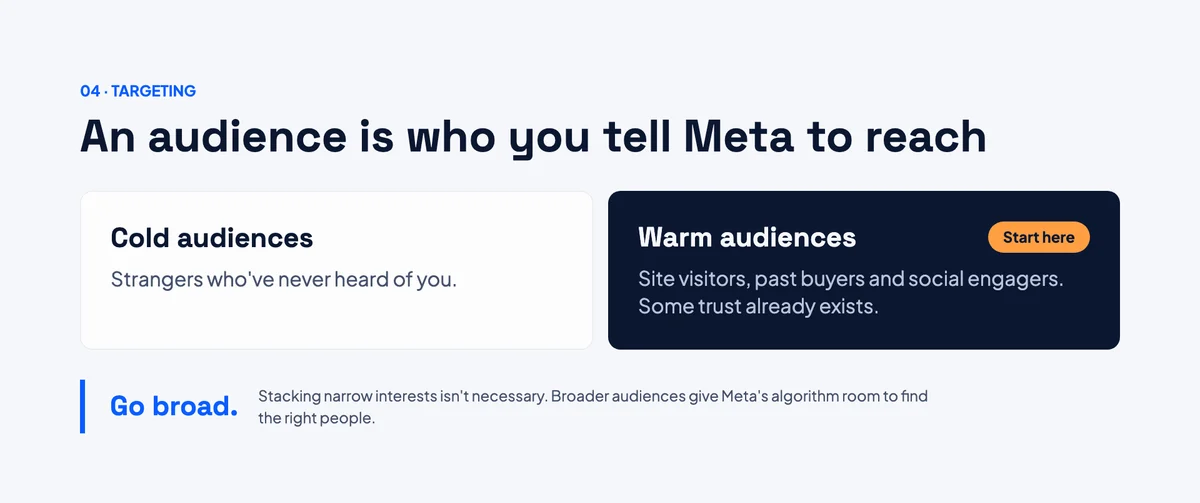
Targeting is what beginners worry about most, but you don't need to master dozens of audience options to get it right.
What an audience actually is
An audience is simply the group of people you're asking Meta to show your ad to. It can be based on location, age, interests, or past interactions with your business.
Cold vs. warm audiences
There are two broad types worth knowing:
- Cold audiences are people who have never heard of you. Complete strangers.
- Warm audiences are people who have already interacted with your business. They've visited your website, bought from you before, or engaged with your Facebook or Instagram content.
Warm audiences are usually the easiest place for beginners to see their first real results, assuming you have one. You're not starting from zero, because some level of trust already exists.
Broad often beats narrow
Here's something that surprises many beginners: you don't need to obsess over narrow, detailed targeting or stack ten interests together hoping to find the perfect combination.
A broader, simpler audience is often a safer starting point. It gives Meta's algorithm more room to find the people most likely to respond. Your job isn't to become a targeting expert. It's to understand who you're speaking to, make your creative speak to them clearly, and let the platform do the rest.
5. Creative Tactics for Your First Ads
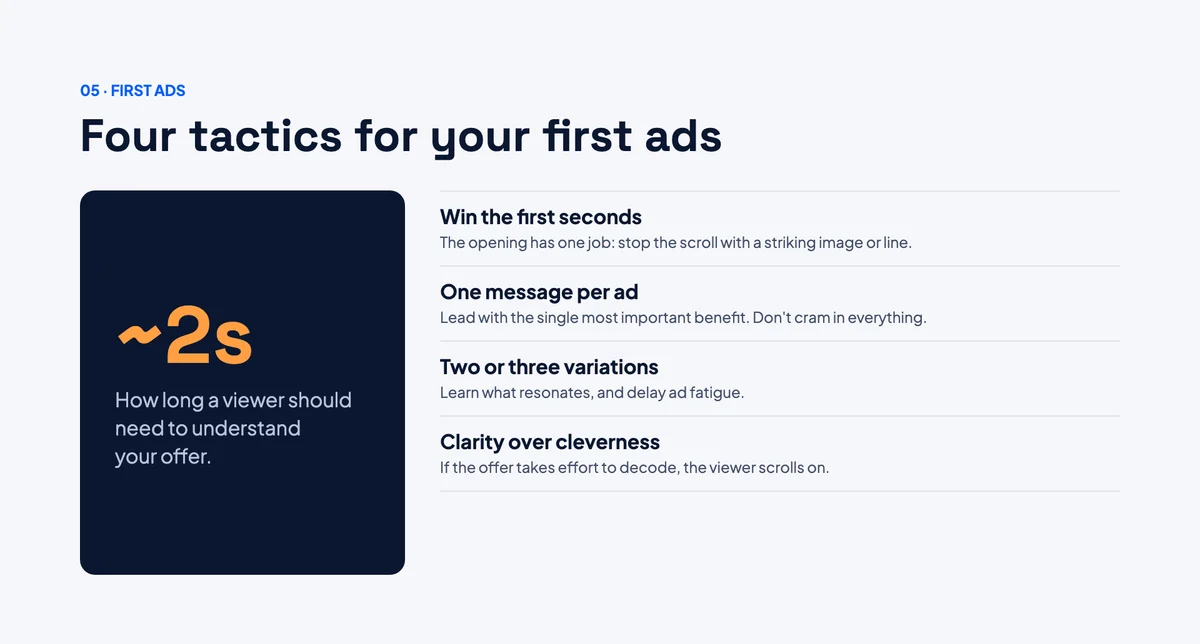
Forget advanced testing frameworks for now. When you're making your very first ads, focus on what actually matters.
Win the first few seconds
The opening moments of any ad have one job: stop someone from scrolling past. Think about your own behavior. You skip past most content in under a second. Your ad needs to interrupt that instinct immediately, with a striking image or an opening line that makes someone pause.
One clear message per ad
Beginners often try to fit every benefit, feature, and reason to buy into a single ad. The result is noise. Instead, choose the one thing that matters most to your customer and lead with it.
Launch two or three variations
Start with a few simple versions of your ad, not just one. This isn't about sophisticated split testing. It's about admitting you don't yet know what will resonate. A little variety turns guesswork into real information, and it also helps delay ad fatigue as people see your ads repeatedly.
Clarity beats cleverness
Your first ads don't need to be perfect or witty. They need to be clear enough that someone understands what you're offering within about two seconds of seeing it.
6. Read Your Results Without Panicking
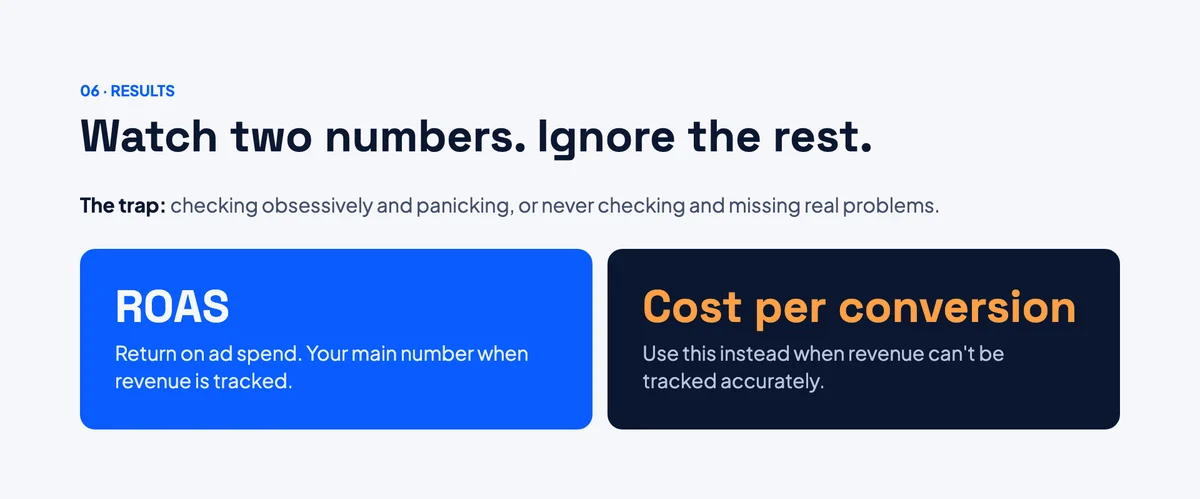
The final beginner trap isn't setup or creative. It's what happens after launch. Some beginners check their results obsessively and panic at every fluctuation. Others don't check at all and miss genuine problems. Neither approach works.
Focus on one or two numbers
As a beginner, only a couple of metrics really matter:
- Return on ad spend (ROAS): how much revenue your ads generated relative to what you spent.
- Cost per conversion: how much, on average, each conversion cost you. Use this if you can't track revenue accurately.
Not sure what a good number looks like for your business? The free ROAS calculator shows the break-even figure your ads need to beat.
Ignore the rest of the dashboard for now. It's easy to get lost in metrics that don't tell you whether your ads are actually profitable.
Give new ads time
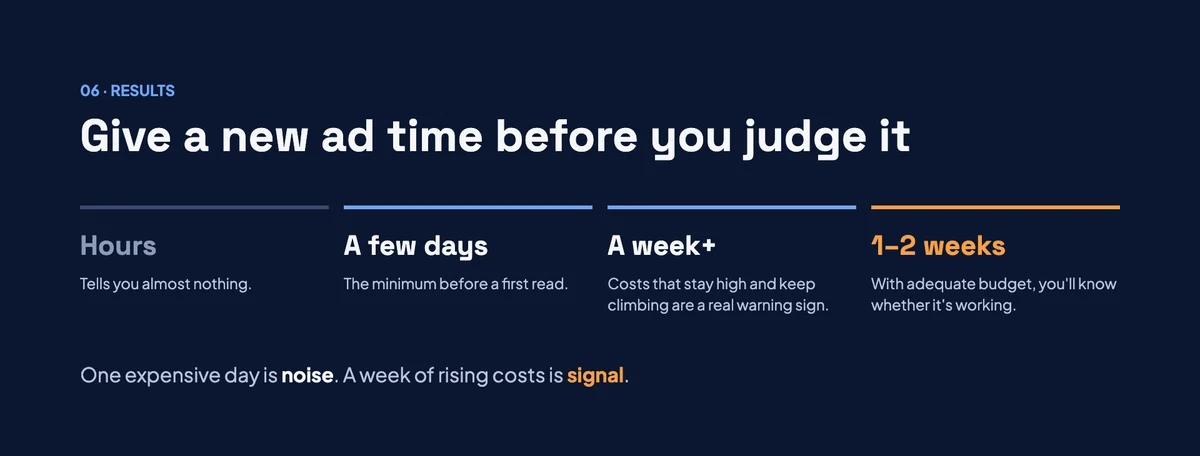
Allow a new ad a few days before judging its performance. Meta needs time and real activity to work out who responds best. Evaluating an ad after a few hours, or even a single day, tells you very little.
Learn the difference between noise and a real warning sign
- Normal fluctuation: your cost per result is high for a single day.
- A genuine warning sign: your cost stays high, or keeps climbing, over a full week or longer.
Knowing this difference stops you from switching off ads too early, which is one of the most common and costly beginner mistakes. With a sufficient budget, you'll usually know within the first week or two whether something is working, as long as you're watching the right numbers.
The Bottom Line
Meta Ads isn't actually complicated. It's just unfamiliar. Once you understand these six fundamentals, you already know more than most people who launch their first campaign without a plan.
Quick recap
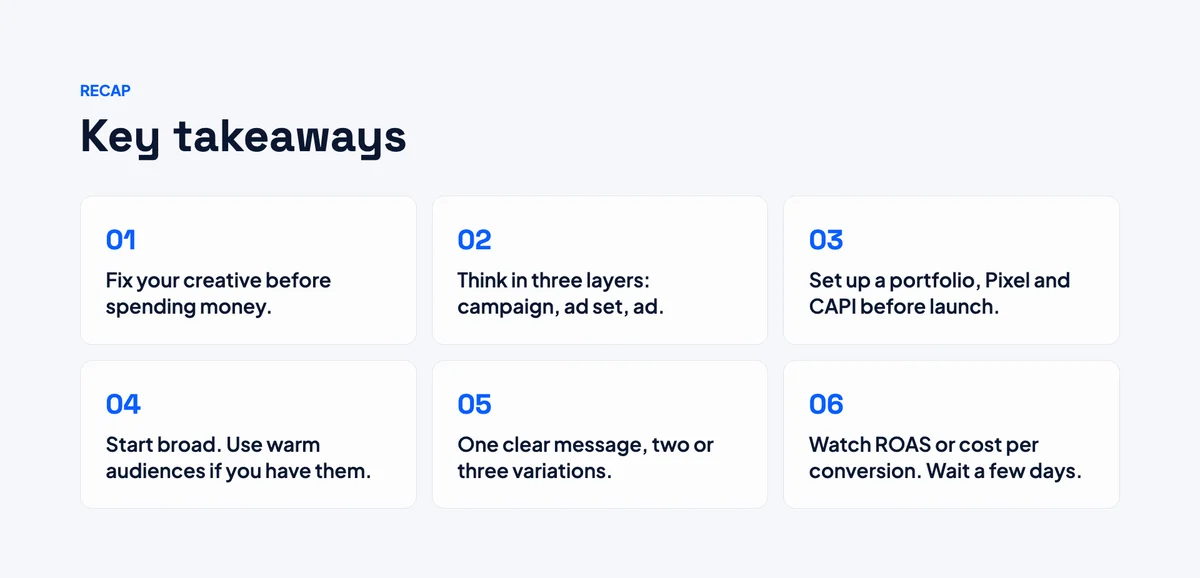
- Fix your creative first. Strong visuals, a clear transformation, a real offer, and a specific call to action.
- Think in three layers. Campaign (goal), ad set (audience and placement), ad (what people see).
- Set up properly before launch. Business portfolio, Meta Pixel, Conversions API, and a realistic budget.
- Keep targeting simple. Start broad, and lean on warm audiences if you have them.
- Make your first ads clear. Hook fast, lead with one message, and launch a few variations.
- Read results calmly. Watch ROAS or cost per conversion, and give ads a few days before judging them.
Master these basics, and every advanced tactic you learn later will have a solid foundation to build on.
If you'd rather have someone set up, run and optimise your campaigns for you, take a look at my Meta Ads management service.

About the author
Md Atiqur Rahman Ashik
Certified Google, Meta Ads and local SEO specialist with 7+ years in digital marketing. I help businesses turn ad spend and search traffic into qualified leads.
More about me →